Not just the words. The whole session, to come back to.
A live transcript with each speaker labeled — and, unless you turn it off, the recording saved beside it. Afterwards you can read it, listen to it, or ask it questions.
Join the waitlist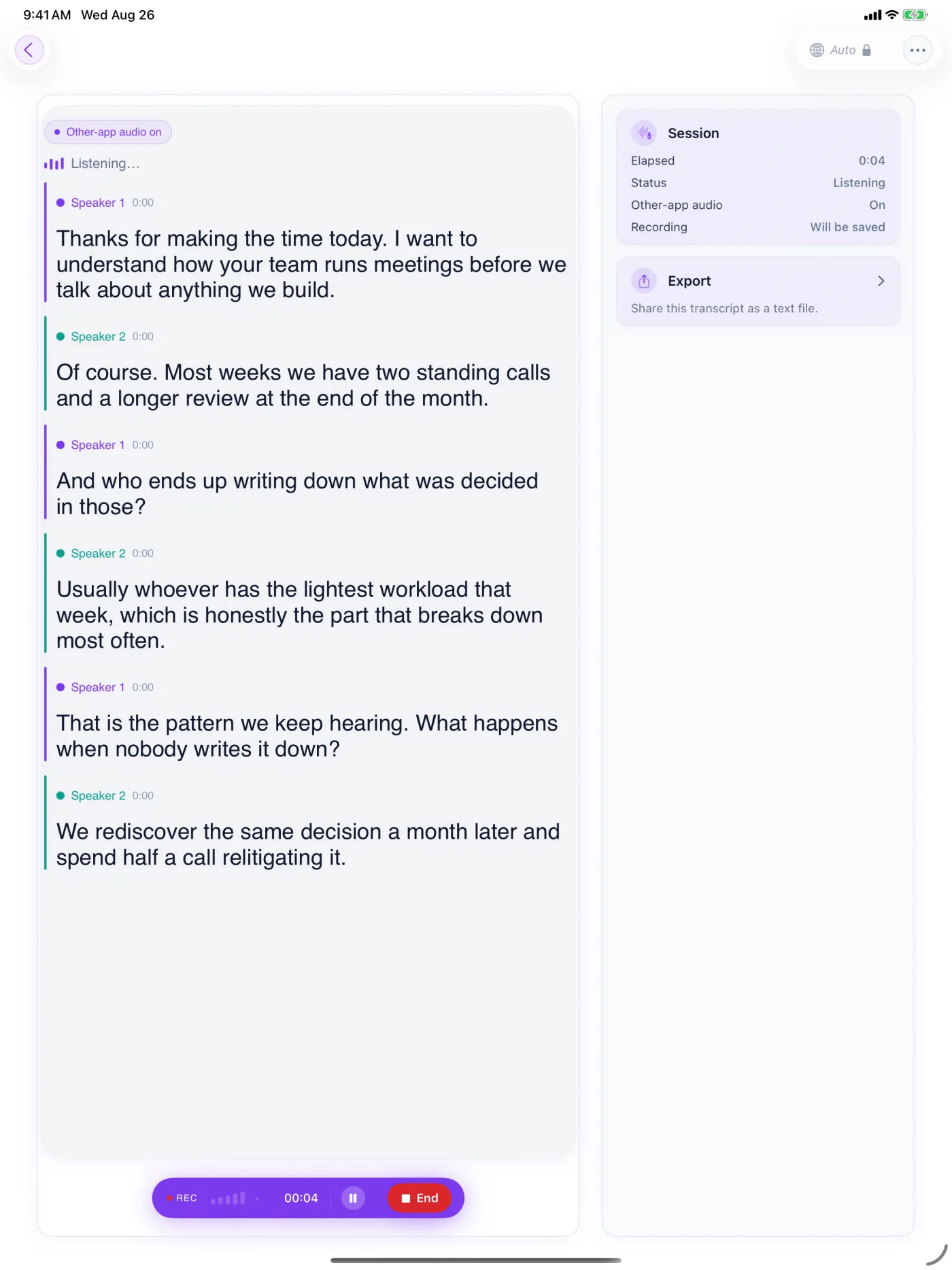
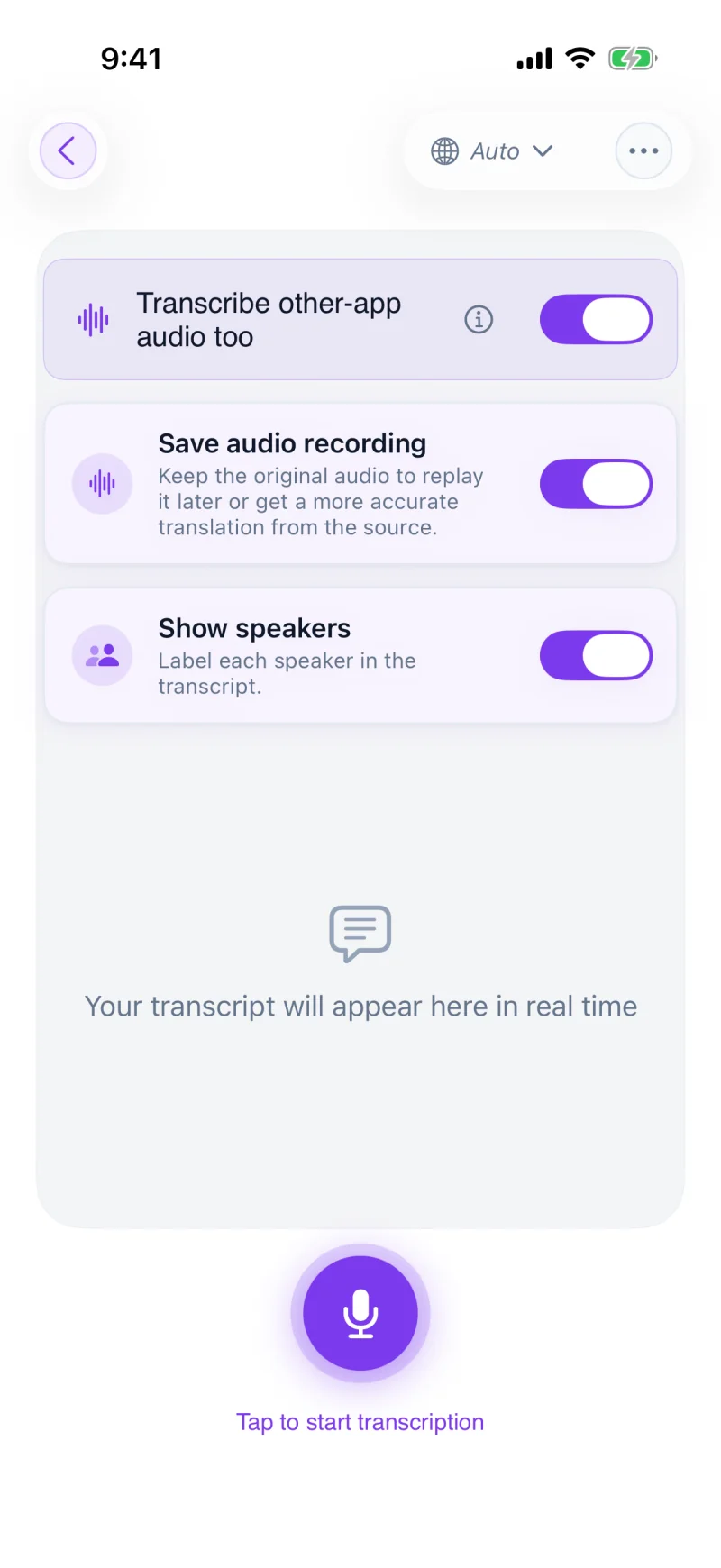
- 1StartTranscription-only setup
- 2ResultSpeaker-labelled notes in real time
- 3ReuseAsk, replay, or export later
It doesn't stop when the talking does.
Every session saves automatically. Search any word, add your own tags, and filter by category or tag to find it in seconds.
Turn on recording during Live Translation to save the source audio next to the translation — replay exactly what was said. Recording even sharpens the live result as it runs.
Get an instant summary of any session, or ask questions about what was said — answered in your language. On a long document or recording, the answers point to the passages they came from.