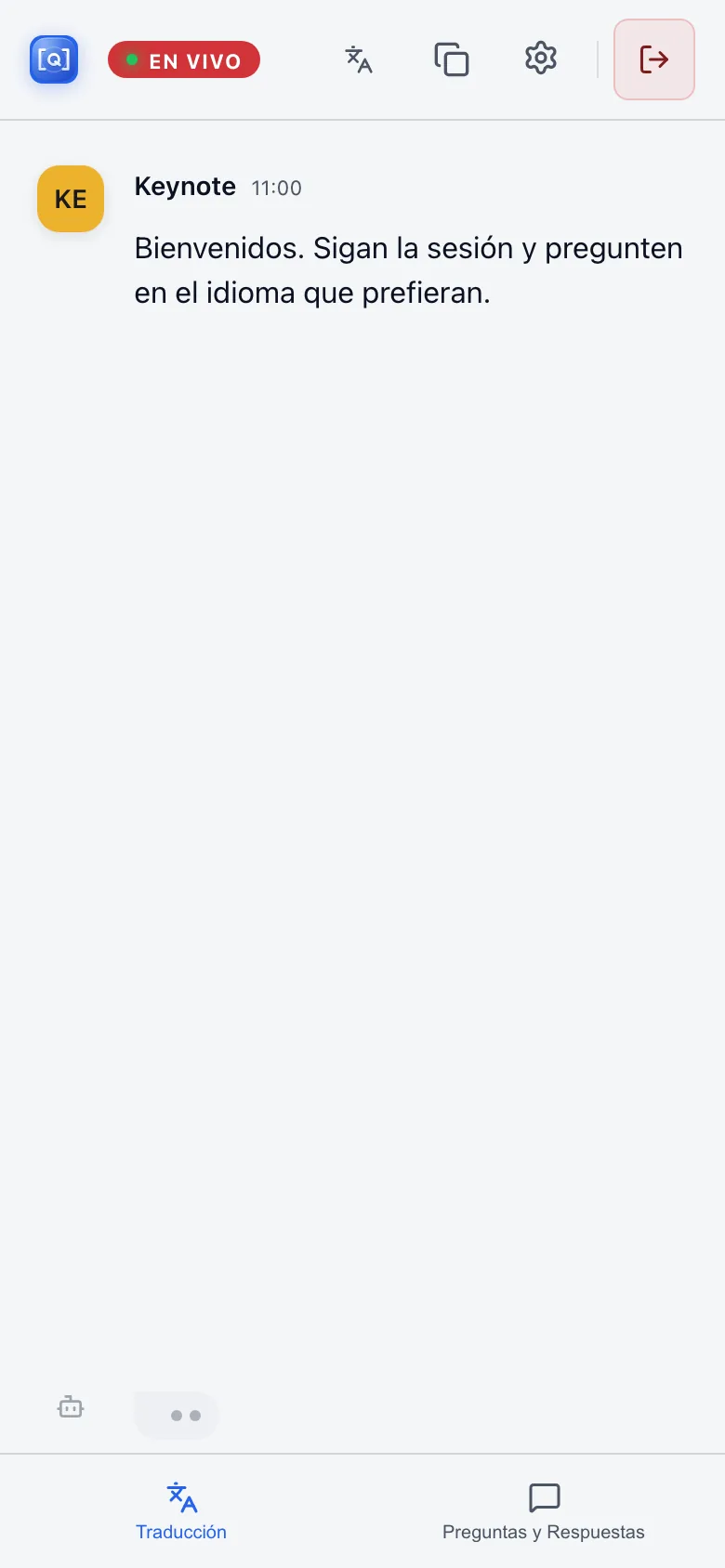
2 · ChooseEach attendee follows in Spanish in the browser.
qolsync.ai
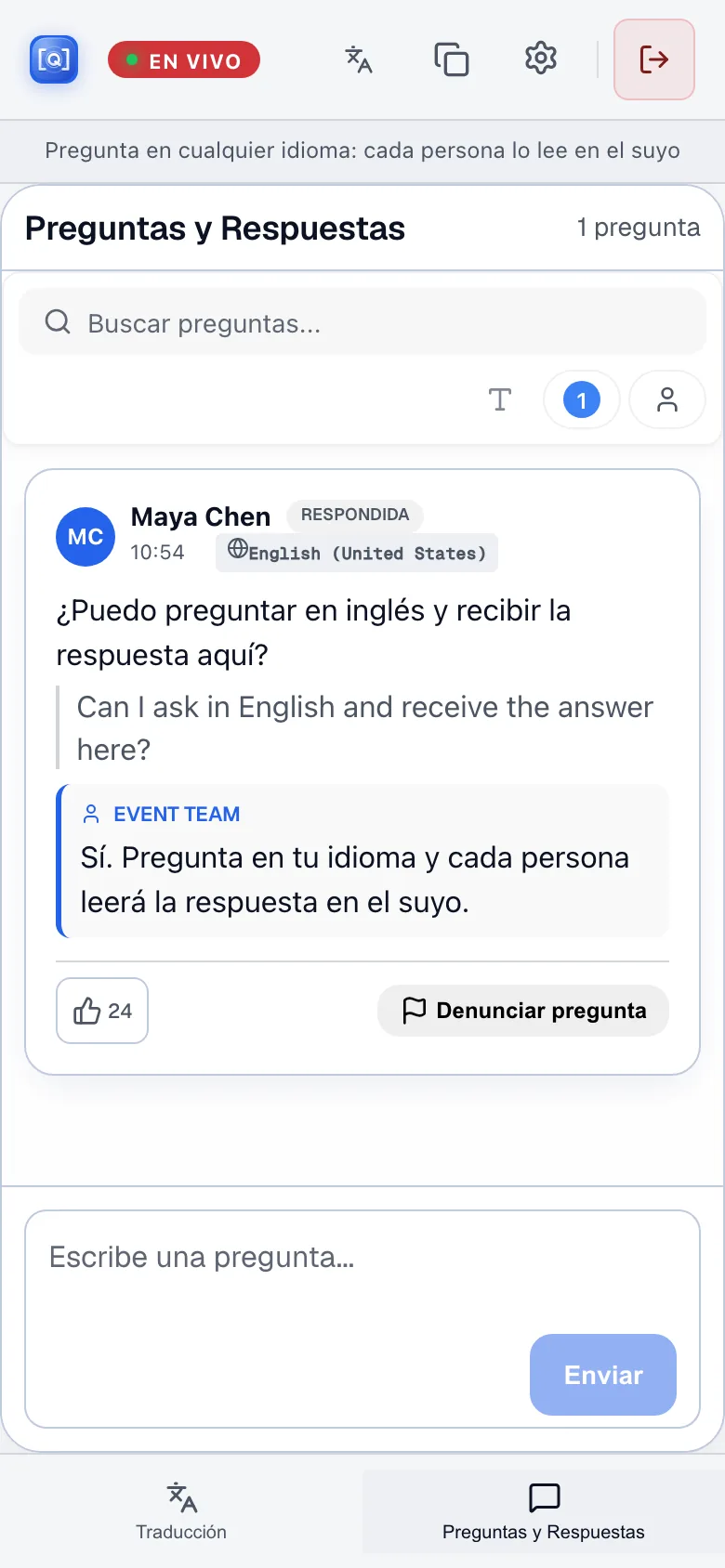
3 · AskPreviewAsk and receive the answer in your own language.
Audience Q&A preview
Scan. Choose a language. Ask back.
The room opens in a browser with nothing to install. When the app launches, attendees will also be able to join from iPhone or iPad.
Each attendee picks from the room’s configured languages and reads or listens live while the speaker talks — everyone at the same time.
In Audience Q&A Preview, an attendee asks in their language. The speaker answers once; everyone receives the question and answer in theirs, with the original below the translation.
Audience Q&A preview
Audience Q&A
A person asks a person. An attendee submits a question in their language, a moderator can approve or organise it, the speaker picks one to answer, and the written answer reaches each attendee in the language they chose.